ZRwork
A work camera that keeps job photos inside the app, apart from your photo library. It stamps the date, time, location, and job details as a watermark, and sorts shots by color and notes.
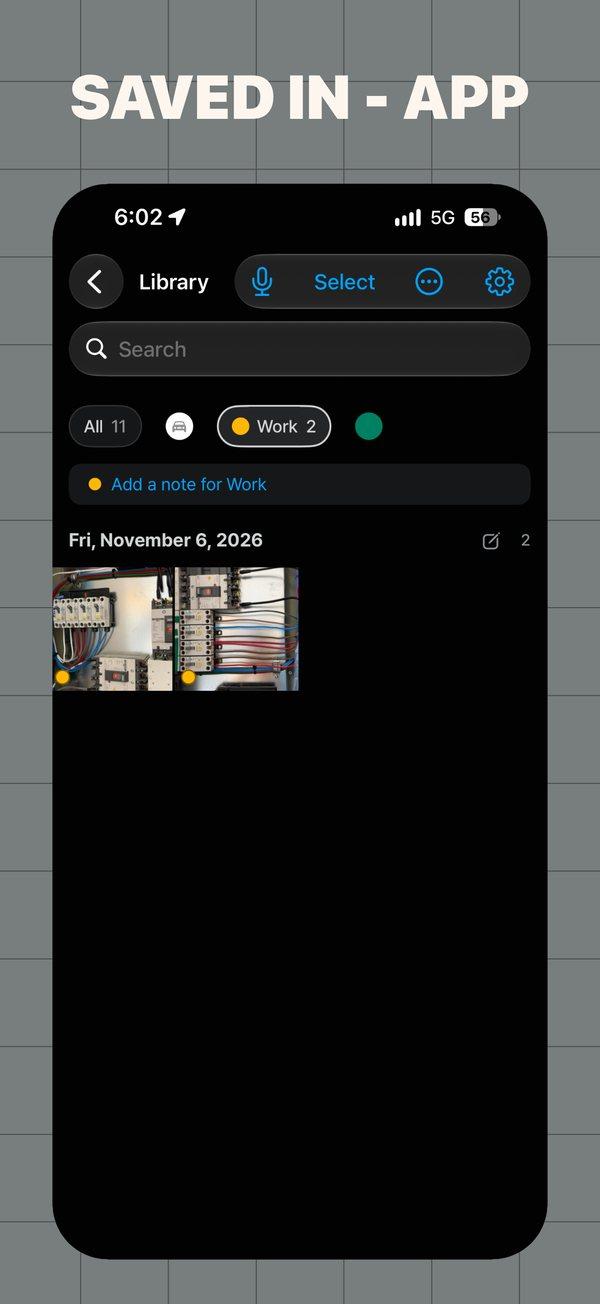
Work photos, receipts, whiteboards and parking spots don't belong between your personal memories. ZRwork keeps them in their own library and puts the facts on every shot: when, where and for which job.
Screens
Features
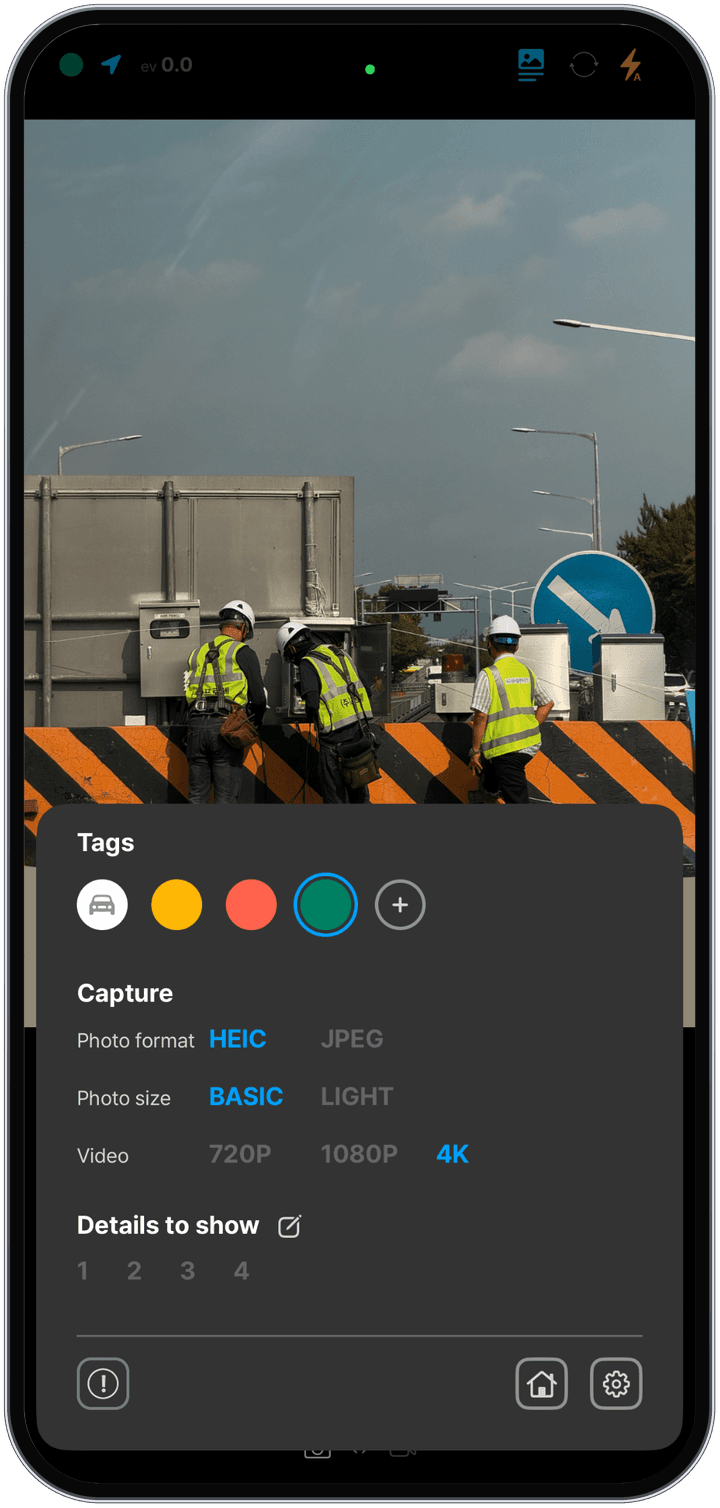
A band under each photo shows the capture date, time and address, plus up to four lines of work details such as the site, the task and your name.
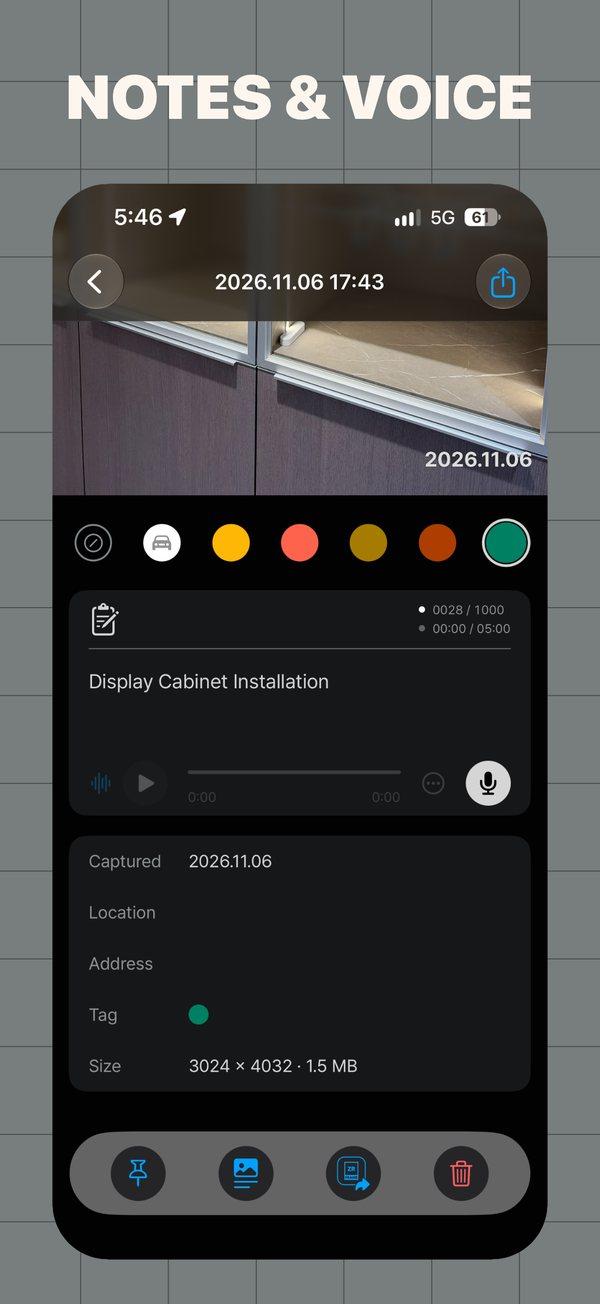
To keep the record trustworthy as work evidence, the capture time, time zone and location can't be changed in the app. Tags, notes and info lines can change anytime.
Photos, videos, documents and voice memos stay in the ZRwork library on your iPhone, not in the Photos app, and are included in your device backup. No account, no sign-in.
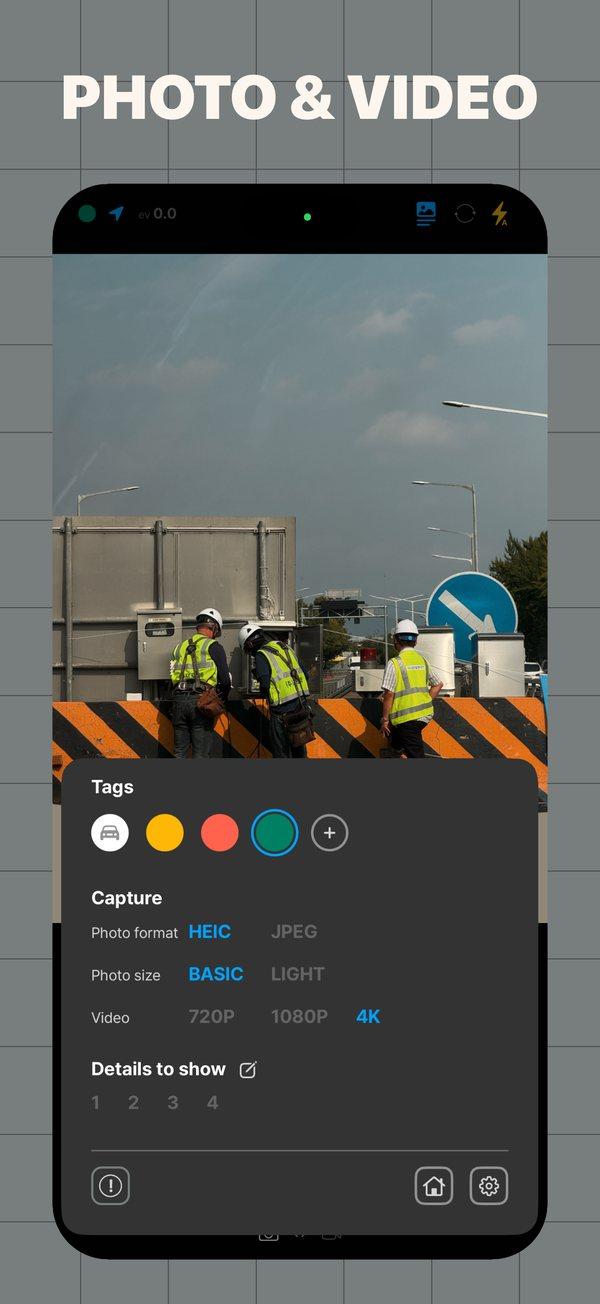
Shoot photos in HEIC or JPEG and video in 720p, 1080p or 4K, all in the same library.
Leave notes on photos, days and tags, and record voice memos on a photo or on their own.
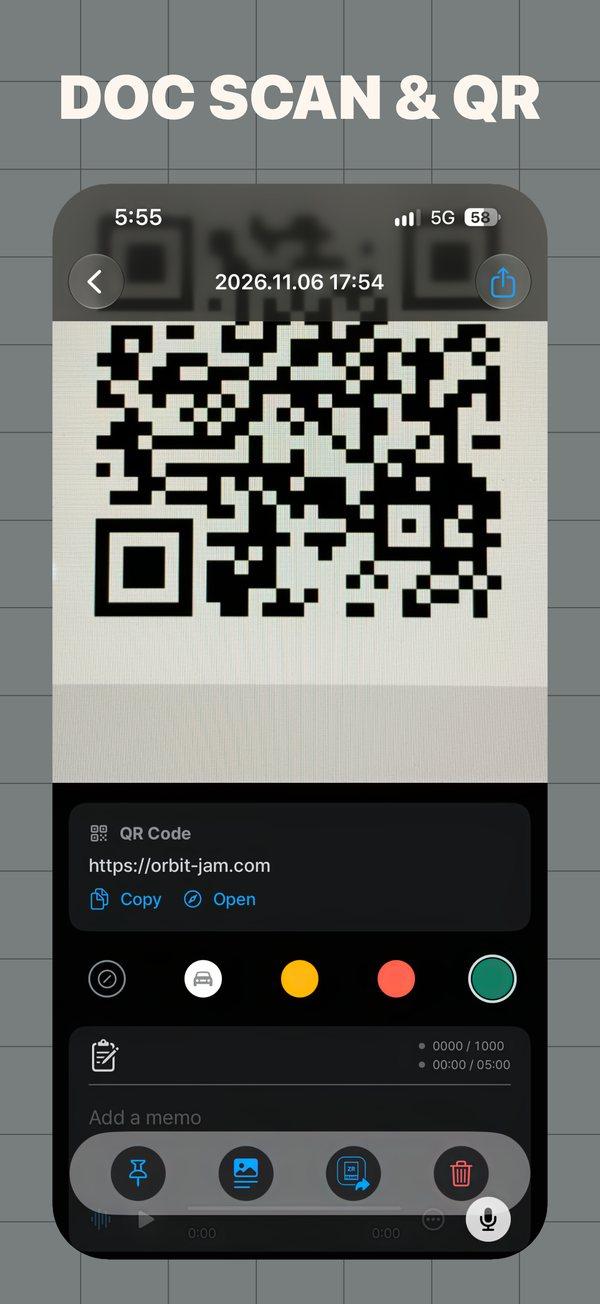
Scan documents to PDF and keep QR codes with their time and place.
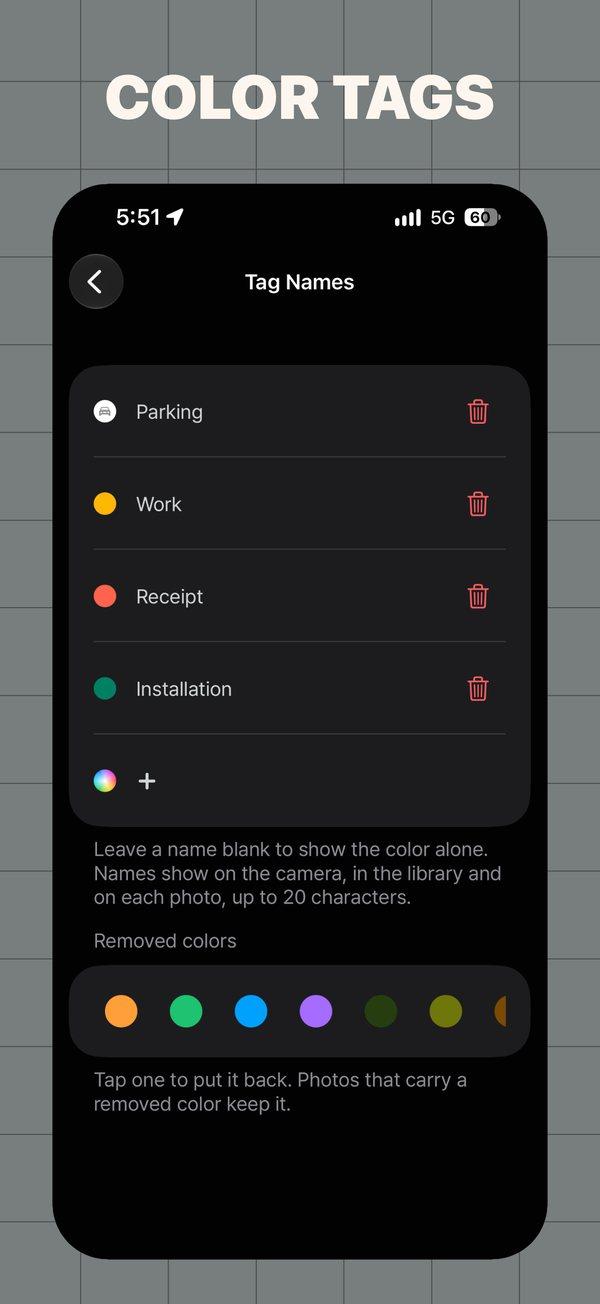
Sort shots with named color tags and search by notes, addresses, QR contents and dates. Select many at once to change tags, notes and info lines.
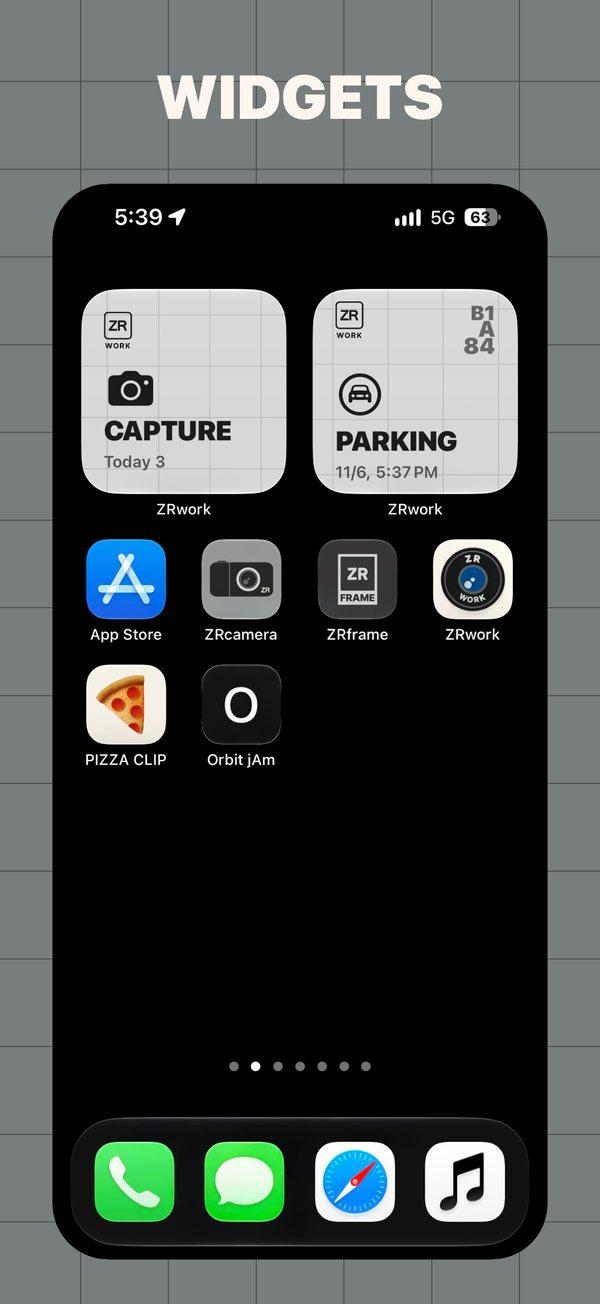
Parking photos are found and tagged automatically. Home Screen widgets open the camera with today's count, or show where you parked.
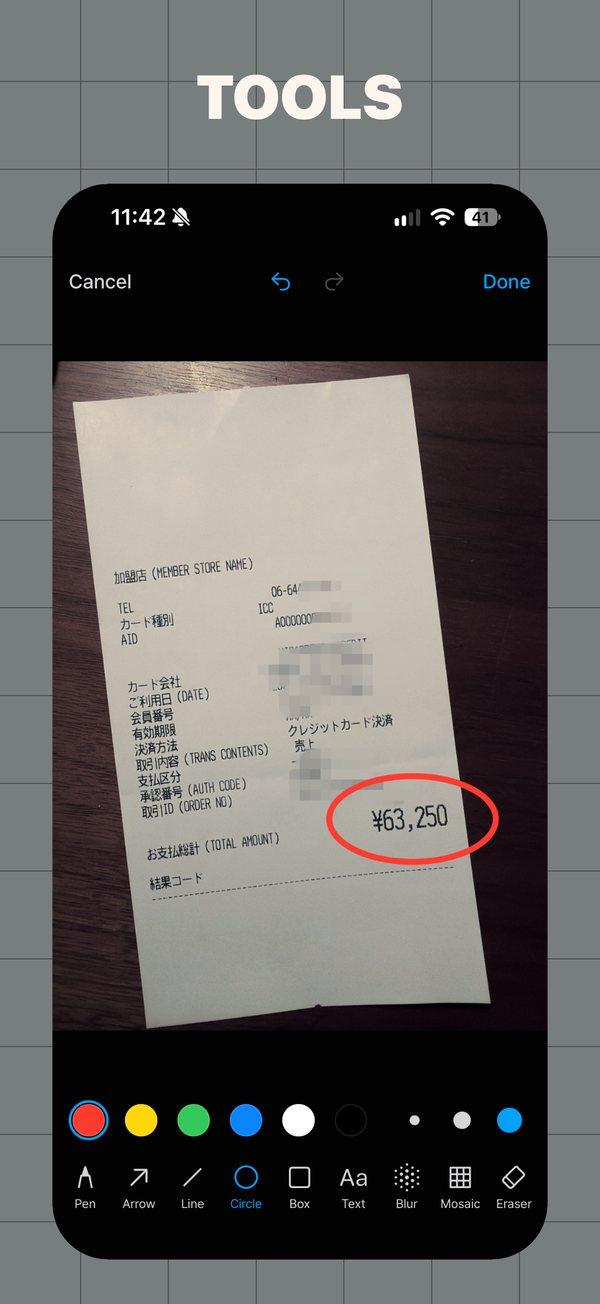
Mark up a photo with the pen, arrows, shapes and text, and cover what shouldn't be seen with blur or mosaic.
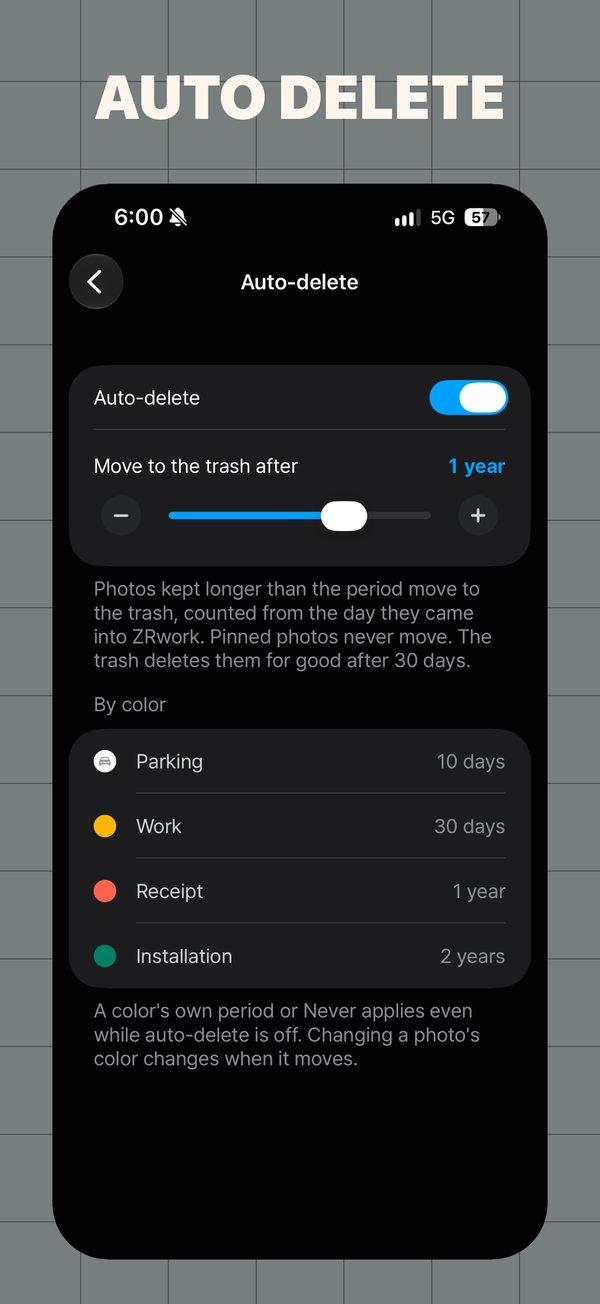
Deleted items stay in the trash for 30 days and can be restored. Auto-delete moves items past the period you set to the trash — set a period per color; pinned items never move.
Tap ZRF on a photo to open it in ZRframe on the same device. If ZRframe isn't installed, its App Store page opens instead.
ZRwork is free with a small banner on the Home screen. ZRwork Support, a one-time purchase, removes the ad and adds five app icons as a thank-you.
Download · Learn more
Download it free on the App Store. FAQs and contact details are on the ZRwork support page.