Hot Sauce
A macOS system monitor that shows how hard your Mac is working, from the menu bar. CPU, memory, battery, and network at a glance.
Your Mac may look calm on the surface while the CPU races and the battery quietly drains. Hot Sauce tells you how hard your Mac is working through a single menu-bar icon — no heavy windows, and no permissions asked at all.
Features
No location, no disk access, no permissions of any kind. It runs the moment you install it, without a single prompt — and it didn't just start out that way; it gave up the permissions it once used.
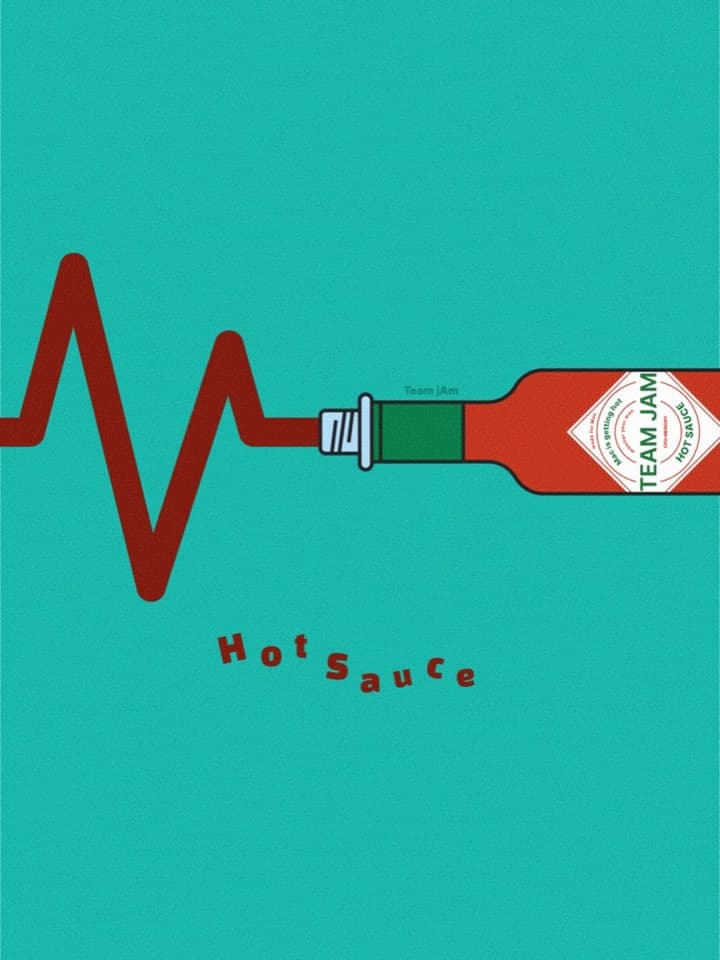
A red bottle when your Mac is idle, yellow when it's busy, rainbow when it's really hot. One glance at the menu bar tells you the state.
CPU, memory, storage, battery, and network shown as three-level facial icons. You don't have to read numbers to take in the state.
Heavier metrics are checked just once every five seconds, and it goes quieter still when the popup is closed — designed so the monitor never becomes the load.
Pin the popup, a plug icon while charging, a shortcut to open Activity Monitor, and launch-at-login — all supported.
When four of the five metrics turn red, a little event begins. When it ends, it stops rendering itself to bring CPU use back to zero.
Download · Learn more
Download and install straight from the Mac App Store — updates are handled there too. An overview and how-tos are on the pizza-clip.com product page.